
The FFGolf extranet and the My ffgolf space function as a one-stop shop connected to the federal database. Each operation (license renewal, club change, updating contact details) is logged and synchronized between the licensee’s account and that of the club. This traceability architecture raises as many practical questions as it answers, particularly regarding access management and the reliability of personal data.
Traceability and synchronization: what the FFGolf extranet actually records
The federal extranet is not just a login portal. Every administrative action performed by a club secretary (registering a new licensee, changing an email address, linking to a corporate section) is timestamped and attributed to an identified user. The club knows who validated what, and when.
This logging automatically reflects in the My ffgolf personal space of the concerned player. If your club changes your postal address via the extranet, the change appears in your profile without any action on your part. The mechanism reduces data entry duplicates, but it assumes that club secretaries input accurate information from the start.
For clubs affiliated with the French Golf Federation, this logic also meets a need for proof: membership history, tracking renewals, compliance with record-keeping obligations. Licensees wishing to log in to the FFGolf extranet thus access a space where their past actions remain viewable.
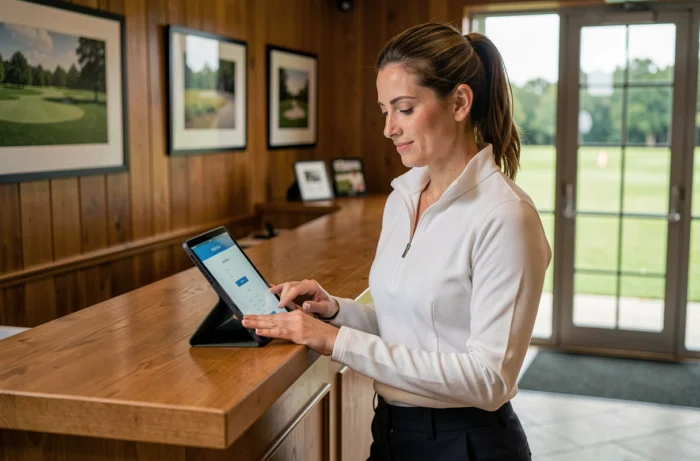
FFGolf license account: creation, identifiers, and common access issues
The FFGolf license account provides access to My ffgolf, as well as associated digital services: ffgolf.tv and the Kady and ffgolf applications. Creation goes through the federal site, with a license number as the primary identifier.
The most common blockages do not stem from a forgotten password (the reset procedure is standard). They occur when the email address registered by the club does not match the one the player uses. In this case, the request for a new password never arrives in the correct inbox.
Check your information before attempting to log in
Before making multiple attempts, it is more effective to contact your club’s secretary to confirm the email address associated with your license. The email registered by the club takes precedence over the one you think you provided. Once this point is clarified, logging in generally works without further difficulty.
For a first login, the process requires validating your account via a link sent by email. This link has a limited validity period. If you do not receive it, check your spam folder before restarting the process.
Managing the My ffgolf personal space: license, competitions, and index
Once logged in, the My ffgolf space consolidates several functions that were previously scattered among the club, the departmental committee, and the regional league.
- Online license renewal, with tracking of processing status directly from the personal dashboard
- Registration for federal competitions, with automatic verification of the player’s eligibility at the time of registration
- Consultation of the playing index (WHS system), updated after each card recorded via the Kady application or entered by the club
- Modification of personal information (contact details, affiliated club, communication preferences)
License renewal can be done entirely online, without going through the club’s secretary. FFGolf has opened this possibility to streamline the annual renewal campaign, but some clubs continue to manage memberships internally out of habit or organizational choice. Feedback from the field varies on this point: some club secretaries report that online renewal sometimes generates discrepancies in the club’s internal accounting.

Kady application and score submission
The Kady application, developed for FFGolf, serves as a digital scorecard. Scores entered via Kady are uploaded to the federal database and contribute to the calculation of the WHS index visible in My ffgolf. This automated circuit avoids manual entry by the club, but it requires the player to correctly validate their card at the end of the round.
An unvalidated score or a round recorded on a non-certified course will not be counted. Only cards validated on courses recognized by FFGolf modify the index.
Personal data and FFGolf extranet: what GDPR implies for clubs
The centralization of licensee data on the federal extranet raises questions of compliance with the General Data Protection Regulation. Clubs, as affiliated structures, process personal data (name, address, email, sports history) through a platform for which FFGolf is technically responsible.
In practice, a club is not allowed to use the data extracted from the extranet for commercial communications without the explicit consent of the licensee. The data from the extranet is reserved for sports and administrative management. Sending a promotional newsletter from the club’s licensee list, without a distinct legal basis, constitutes an infringement.
The available data do not allow for conclusions about the actual level of compliance of amateur clubs with these obligations. Most small structures operate without a data protection officer, and the boundary between associative communication and commercial communication remains blurred in daily practice.
The FFGolf extranet and My ffgolf now constitute the digital foundation of federal life for licensed golfers. The platform gains functionalities each season, but its effectiveness largely depends on the rigor with which each club inputs and updates its members’ information. A reliable personal space begins with correctly entered data at the club level.