Doro phones are used by a growing number of seniors in France. Their simplified interface can obscure a technical reality: choosing a SIM card involves more than finding the right physical size. With 2G and 3G networks gradually being shut down, network compatibility requirements and software quirks that vary by model, mistakes when buying or installing a SIM remain common.
VoLTE and network shutdowns: the hidden SIM card pitfall for Doro phones
Most guides focus on SIM card size. That’s necessary, but not enough. A Doro phone may physically accept a SIM and display the carrier’s name without being able to route voice calls.
The reason is VoLTE support (Voice over LTE). As 2G and 3G networks are gradually phased out in France, calls must go over the 4G network. If the Doro model doesn’t support VoLTE with the carrier in question, the phone may be able to access the internet but fail to make calls.
Before choosing a SIM card compatible with a Doro phone, you need to check two separate things: the physical format required by the exact model, and VoLTE compatibility between that model and the carrier you plan to use. Making a test call after inserting the SIM is the only reliable way to check.
Network shutdown schedules vary by carrier. A Doro phone that works on 3G today may lose voice service in the coming months, through no fault of the SIM card. Check your carrier’s schedule before buying to avoid an unpleasant surprise.
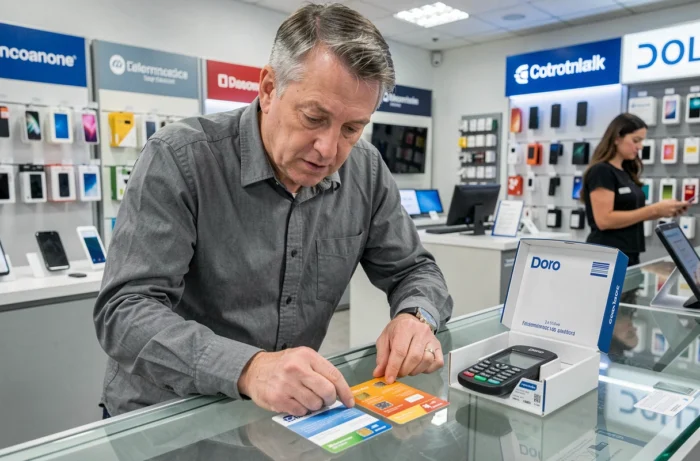
Nano-SIM, micro-SIM or standard SIM: finding the right slot on each Doro model
Doro sells flip phones, classic keypad phones and touchscreen smartphones. SIM card formats vary from one model to another, even within the same range.
Triple-cut SIM cards, sold by most carriers, may seem to solve the problem. In practice, the cut edges aren’t always clean and the card can get stuck in the SIM tray of a compact Doro phone. Forcing it in could damage the internal connector—a costly repair for an entry-level device.
How to find the exact format and avoid mistakes
The manual included in the box specifies the required format. For the Doro 8200, the quick-start guide shows how to insert the SIM, with a diagram. If you no longer have the printed manual, the support page on doro.fr lists each model and its technical specifications.
- Check the exact model number (printed under the battery or listed in Settings under “About phone”) before ordering a SIM.
- If the edges of a triple-cut SIM are rough after you detach it, gently smooth them with a fine nail file rather than forcing the card into the tray.
- Never use a SIM adapter (micro to standard, for example) in a Doro phone: it could get stuck and jam the ejection mechanism.
SIM card not recognized by a Doro phone: troubleshoot before switching carriers
The “SIM card not detected” or “No network” message often leads people to replace a SIM unnecessarily. Several software-related issues can cause this behavior without any hardware fault.
Software updates and network settings
A firmware update may enable or improve VoLTE on some Doro phones. Before concluding that the phone is incompatible, go to the phone’s settings and open the “System update” section to check whether a newer version is available.
On Doro smartphones running Android, APN (Access Point Name) settings determine access to mobile data and MMS. An incorrectly configured APN won’t prevent the SIM from being detected, but it will block web browsing and multimedia messaging. Carriers normally send APN settings automatically, but on some Doro phones, automatic configuration fails without any notification. You’ll then need to enter the settings provided by your carrier manually (available on its support website).
Three checks to make, in order
- Remove the SIM, blow on the tray connector, then reinsert it. A poor connection is enough to cause intermittent detection issues.
- Restart the phone after inserting the SIM. Some Doro flip phones don’t automatically restart the network search after a SIM change.
- Test the SIM in another phone. If it works there, the problem is with the Doro (damaged slot, residual carrier lock or outdated firmware).
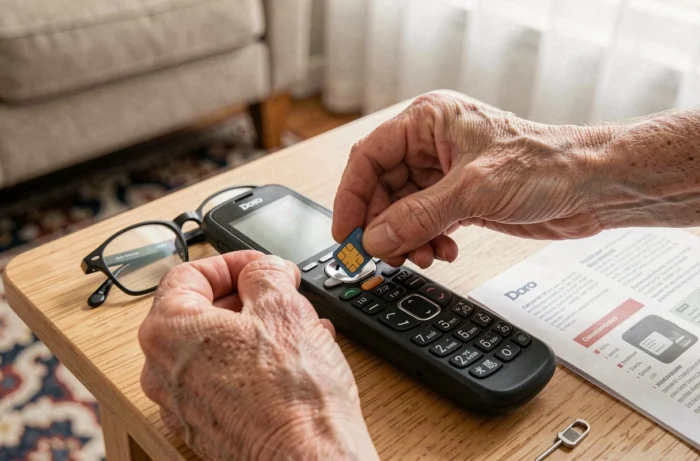
Mobile plans and Doro phones: how the network affects everyday use
A plan with a generous data allowance isn’t as useful on a Doro keypad phone as it is on a touchscreen smartphone. Doro flip phones use very little mobile data: no background apps, cloud syncing or streaming. A plan with calls and texts and a small data allowance is enough in most cases.
On a Doro 8200 or another touchscreen model, data use increases with messaging apps and web browsing. The right plan then depends more on actual usage than on the model.
The key factor is the carrier’s 4G coverage at the user’s address. A low-cost plan on a network with poor coverage in the area can lead to missed calls and undelivered texts—particularly serious problems for an older person who relies on the phone in an emergency. Checking the carrier’s 4G coverage map using the home’s postal code is the most effective precaution before signing up.